It seems like each time I update iTunes I have some kind of issue adding my music to my phone so I thought I would share my experience with you and explain how its done, or at least the way I found to work with the latest version of iTunes.
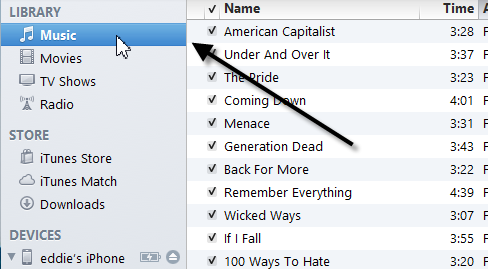
1) First drag your music to the Music section in the library:
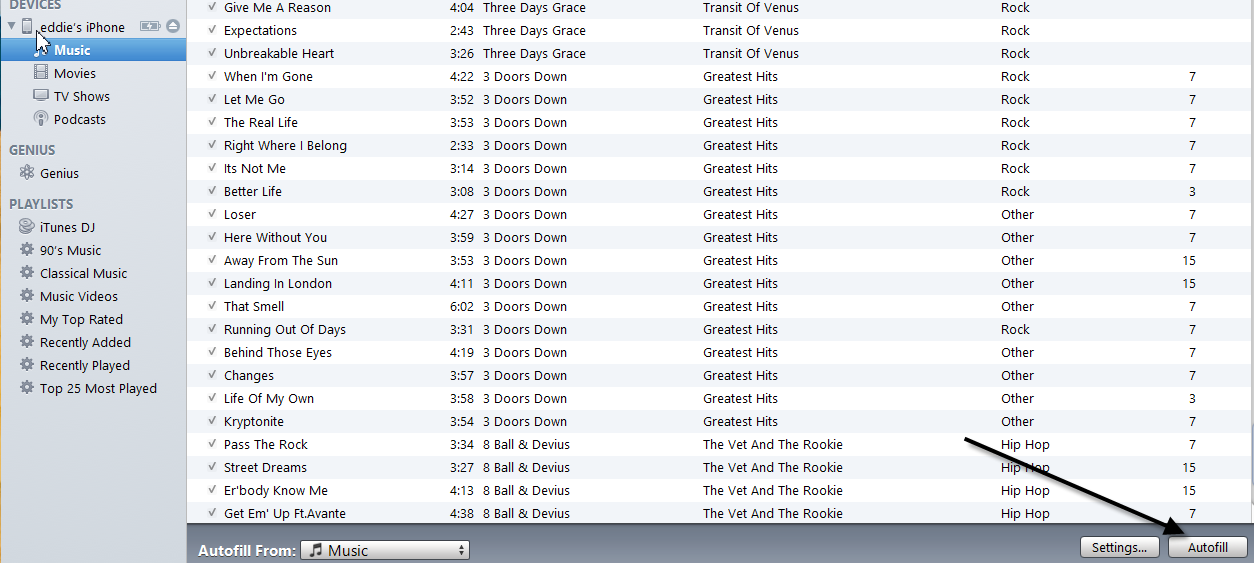
2) When you have that done, simply click the “AutoFill” button in the bottom right hand corner and your music will be put on your phone for your listening pleasure. I hope this helps someone.